See Petsoft before you talk to anyone

Open a sample account with example customers, pets, and reservations — no sales call. If you would rather have someone walk you through it, request a guided walkthrough instead.
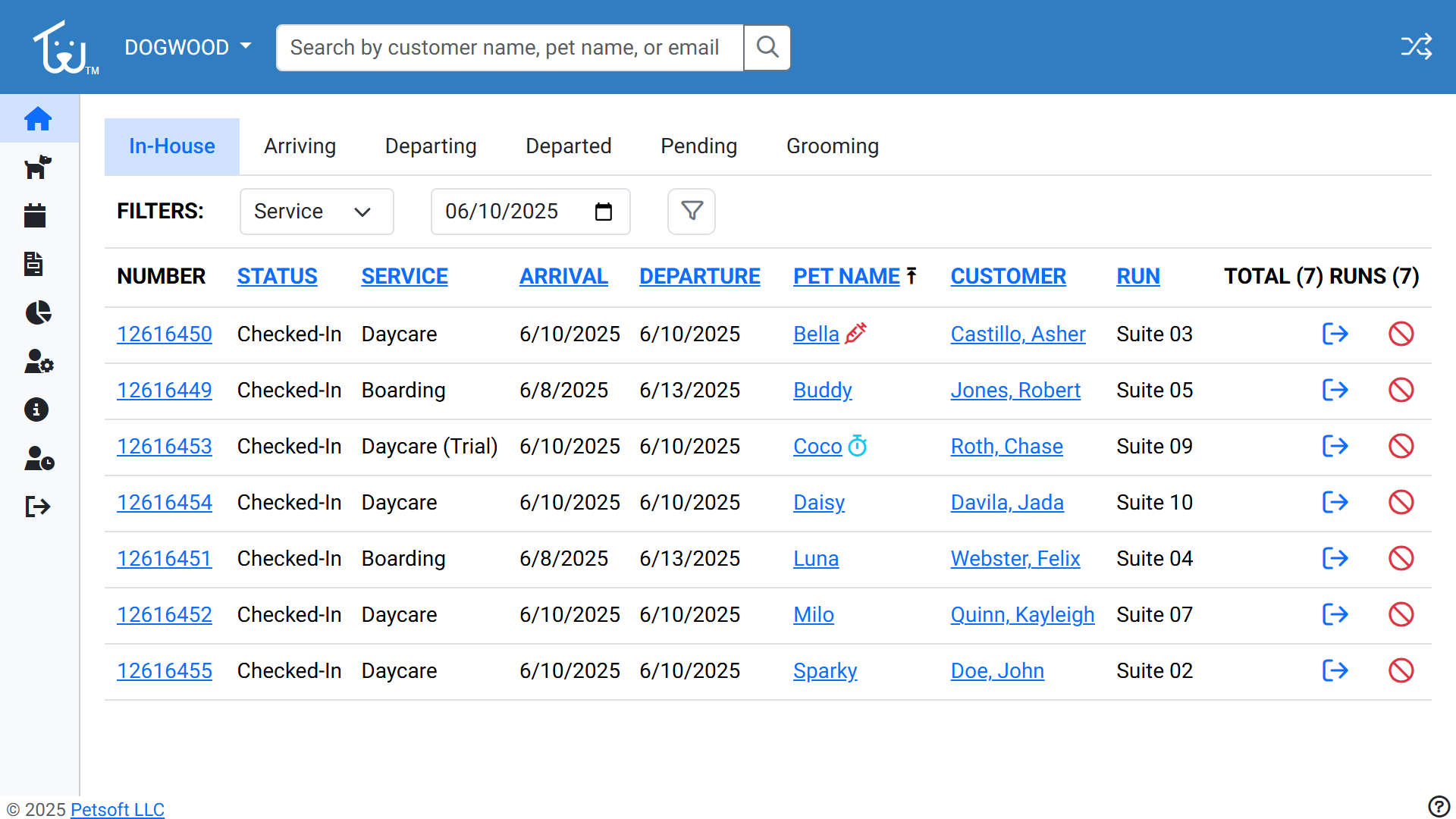
Petsoft reservation dashboard

Get started

Where should we reach you?

What would you like to do?

By submitting, you agree to Petsoft's Privacy Policy and Terms of Service.

In your Demo

What you can try

  • Book a reservation and follow the invoice it generates
  • Add and update customers and their pets
  • Run a check-in and a checkout
  • Trigger a no-show and watch the deposit policy apply itself
  • Pull the occupancy and revenue reports and export one
  • Experience the pet parent portal and reservation process

The sample data resets, so nothing you try needs undoing.

In the walkthrough

What we can cover

  • Bring your own scenarios and we will work through them
  • Migrating records from your current platform
  • Multi-location setup and staff permissions
  • Deposit and cancellation policy configuration

Usually answered within one business day.